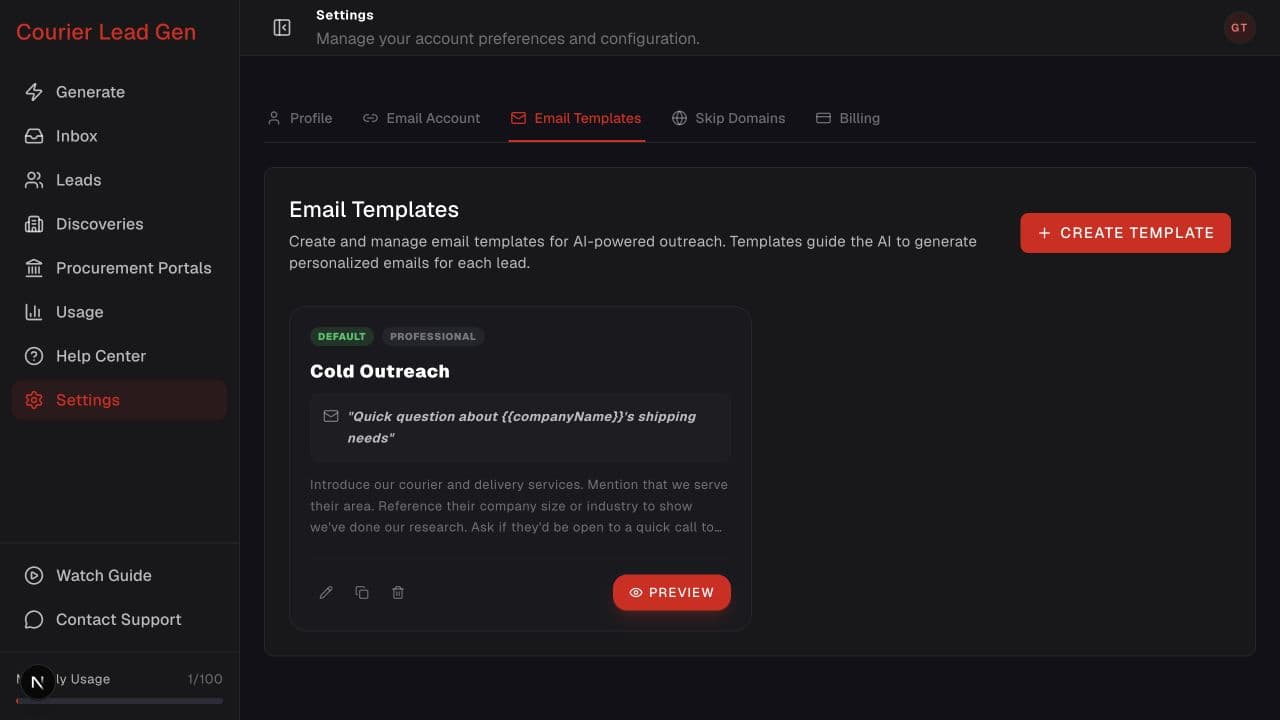
Follow the animated cursor to “Email Templates”.
1
Step 1 of 4
Open Email Templates
Go to Settings and select Email Templates.
Set the reusable goal, tone, subject, and talking points for personalized drafts.
Open Email TemplatesStep 1 of 4
Go to Settings and select Email Templates.
Step 2 of 4
Select Create Template to open the template form.
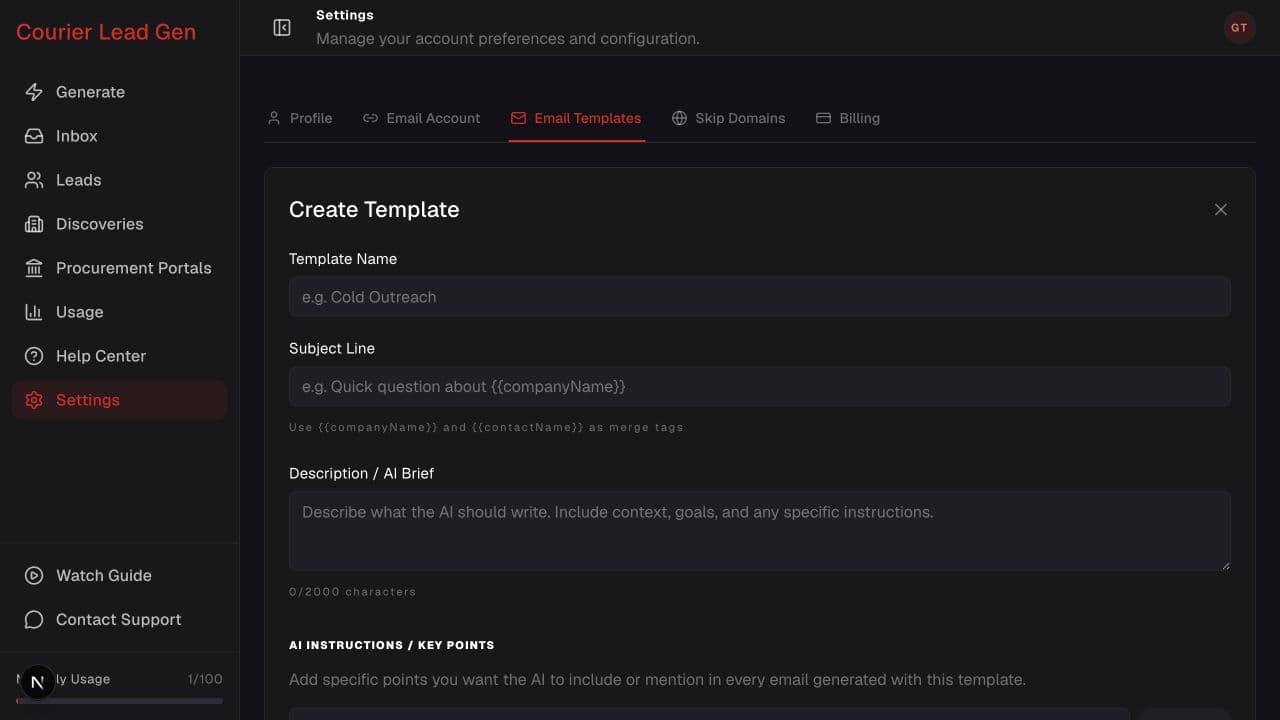
Step 3 of 4
Add a template name, subject, AI brief, key points, and tone. Mark it as default if appropriate.
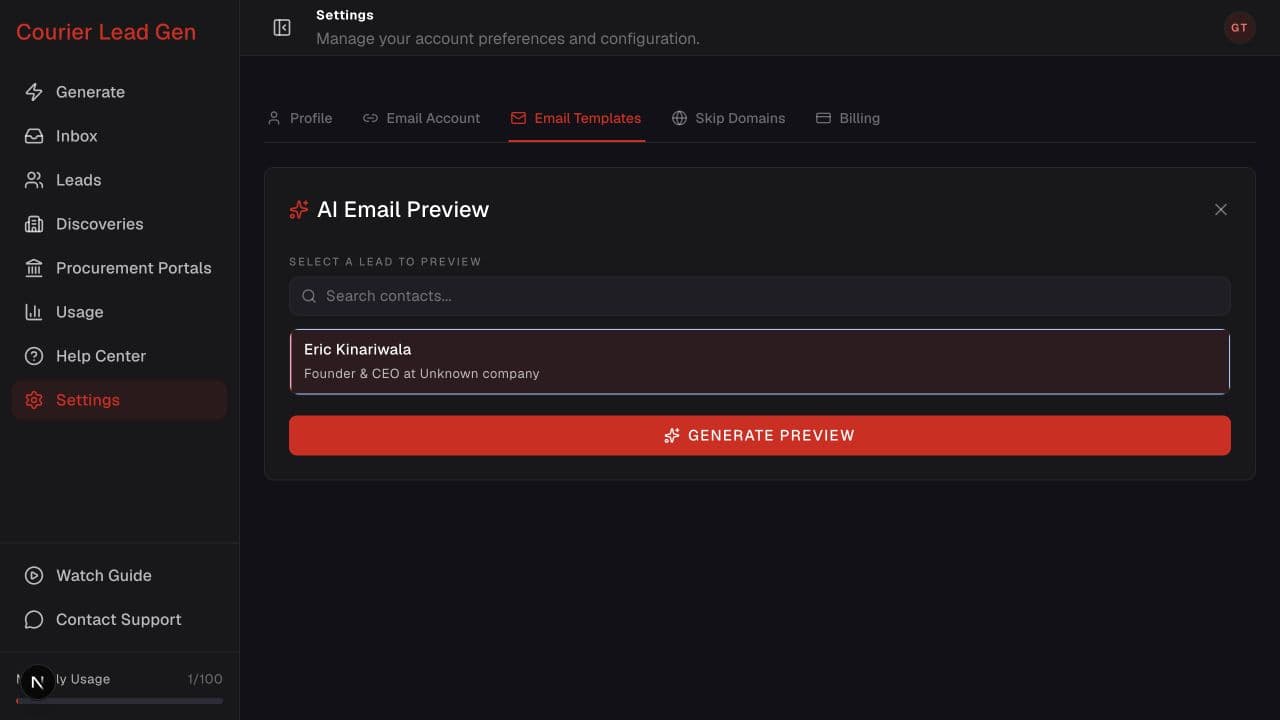
Step 4 of 4
After saving, select Preview, choose a revealed contact, and select Generate Preview.
Open the feature and follow the same steps in your account.
Open Email Templates