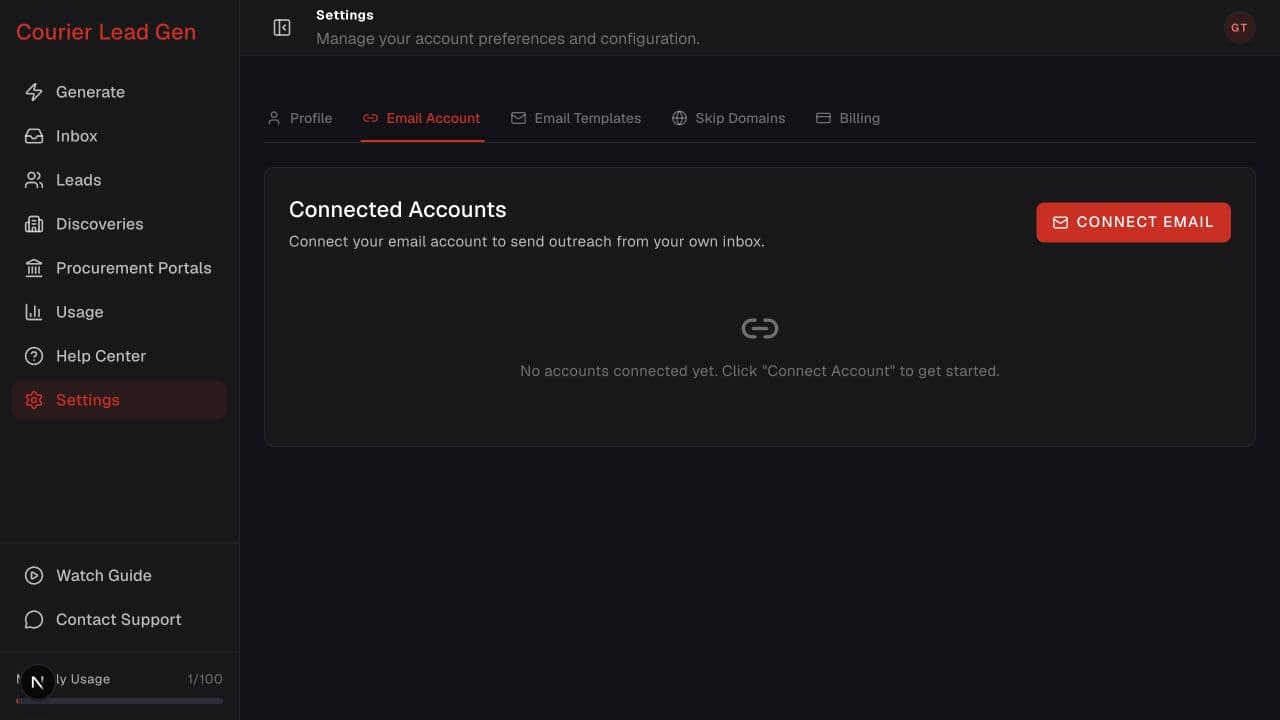
Follow the animated cursor to “Email Account”.
1
Step 1 of 4
Open Email Account settings
From Settings, select the Email Account tab.
Authorize the mailbox that Courier Lead Gen will use for outreach.
Open Email Account settingsStep 1 of 4
From Settings, select the Email Account tab.
Step 2 of 4
Choose Connect Email to continue to the secure provider authorization page.
Step 3 of 4
Complete the secure authorization steps for your email provider. Courier Lead Gen will open again automatically when you finish.
Step 4 of 4
Confirm that your mailbox appears in Connected Accounts as active.
Open the feature and follow the same steps in your account.
Open Email Account settings