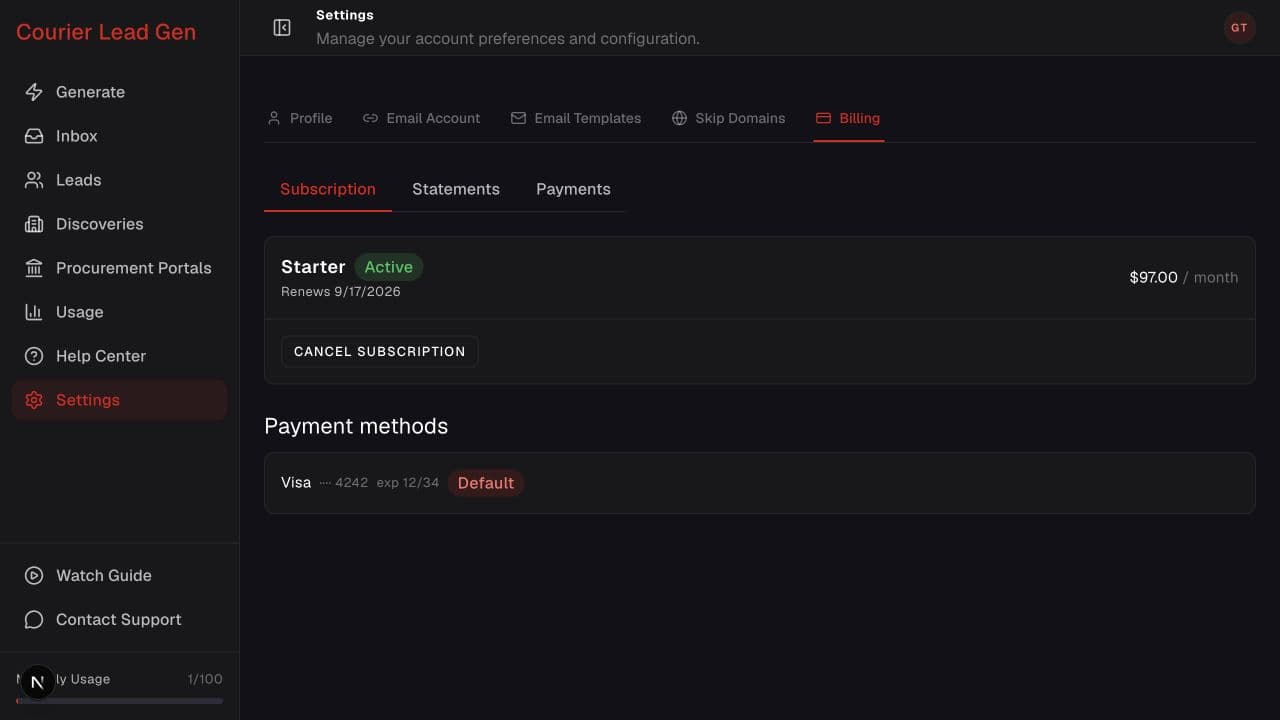
Follow the animated cursor to “Billing”.
1
Step 1 of 4
Open Billing
Go to Settings and select Billing. This tab appears for standard paid accounts.
Review your plan, statements, payment methods, or cancellation options.
Open BillingStep 1 of 4
Go to Settings and select Billing. This tab appears for standard paid accounts.
Step 2 of 4
Subscription shows the plan status, price, renewal or access-end date, and payment method.
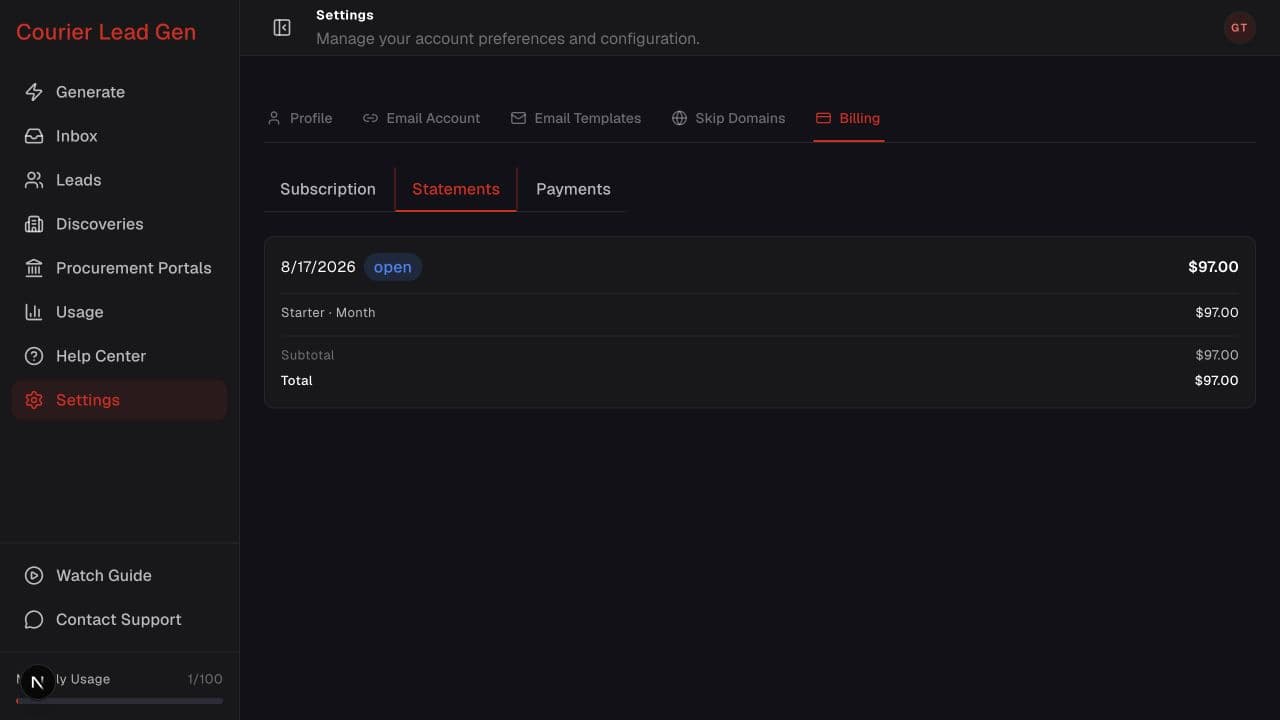
Step 3 of 4
Open Statements to review invoice dates, status, line items, and totals.
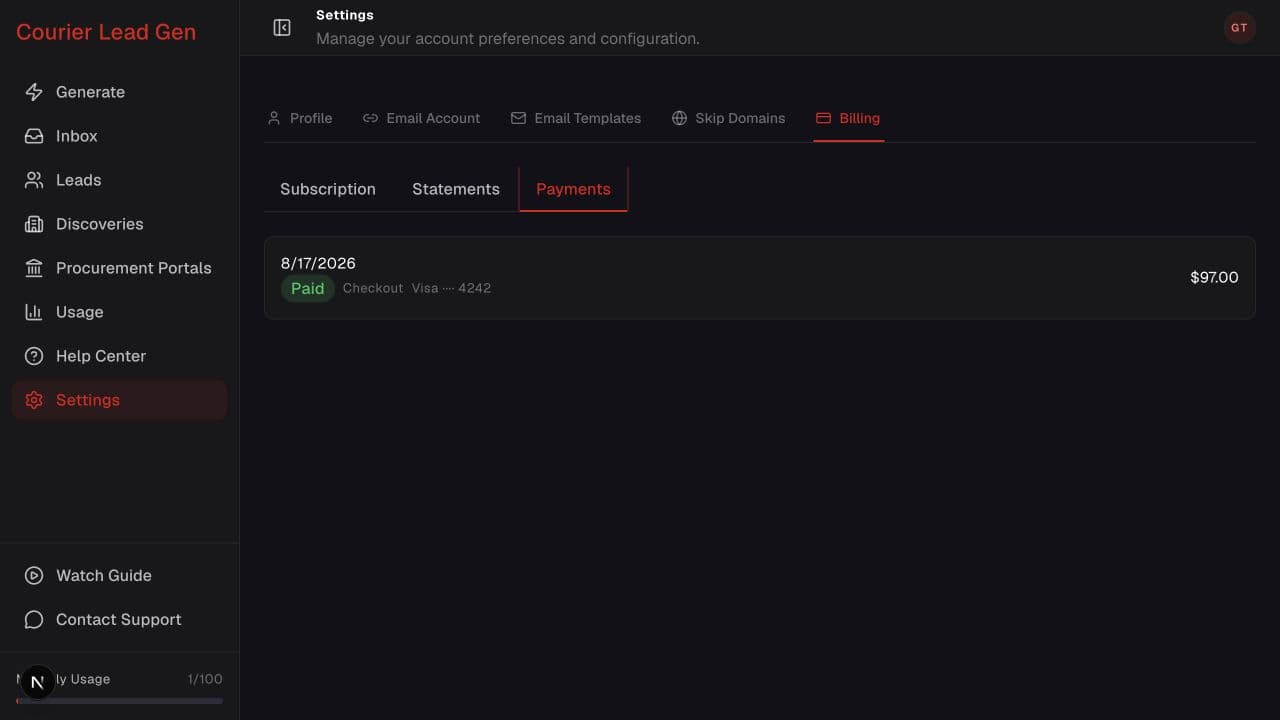
Step 4 of 4
Open Payments to see transaction dates, status, source, payment method, and amount.
Open the feature and follow the same steps in your account.
Open Billing