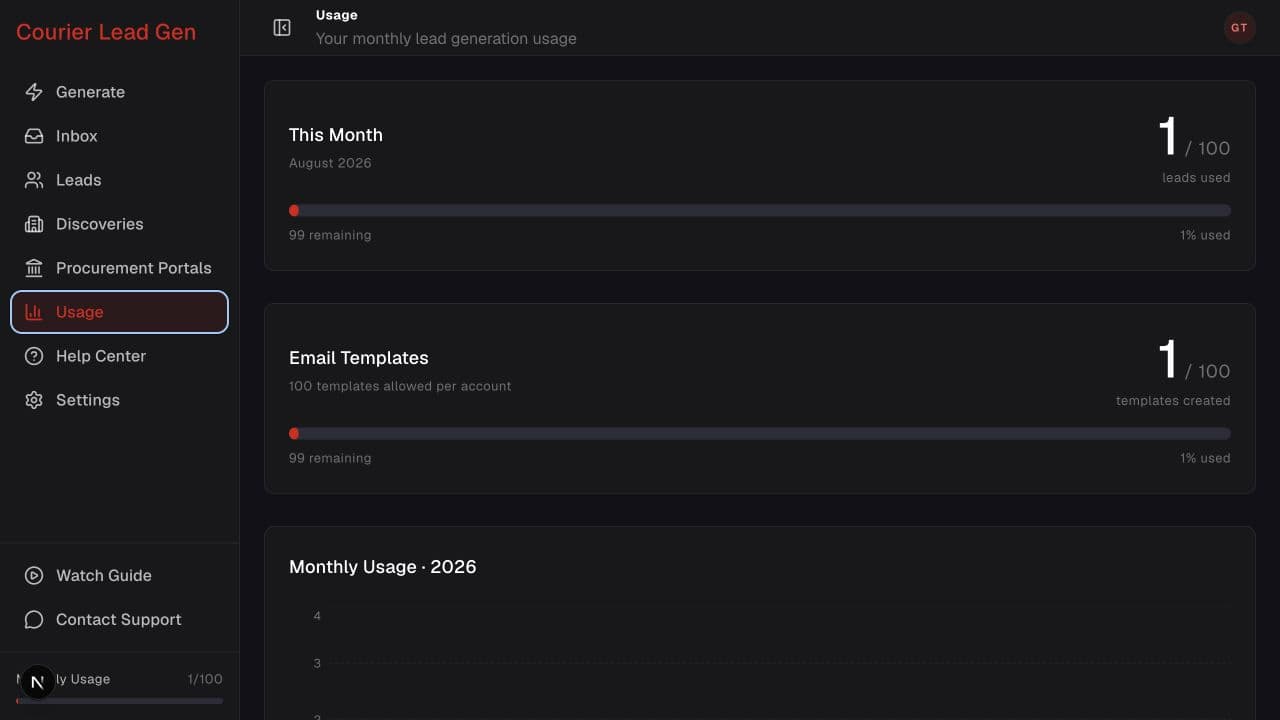
Follow the animated cursor to “Used / limit”.
1
Step 1 of 3
Review this month
The first card shows how many leads you have used out of the current limit.
See the current lead allowance, remaining leads, and yearly history.
Open UsageStep 1 of 3
The first card shows how many leads you have used out of the current limit.
Step 2 of 3
Read the value below the progress bar to see what remains in the current period.
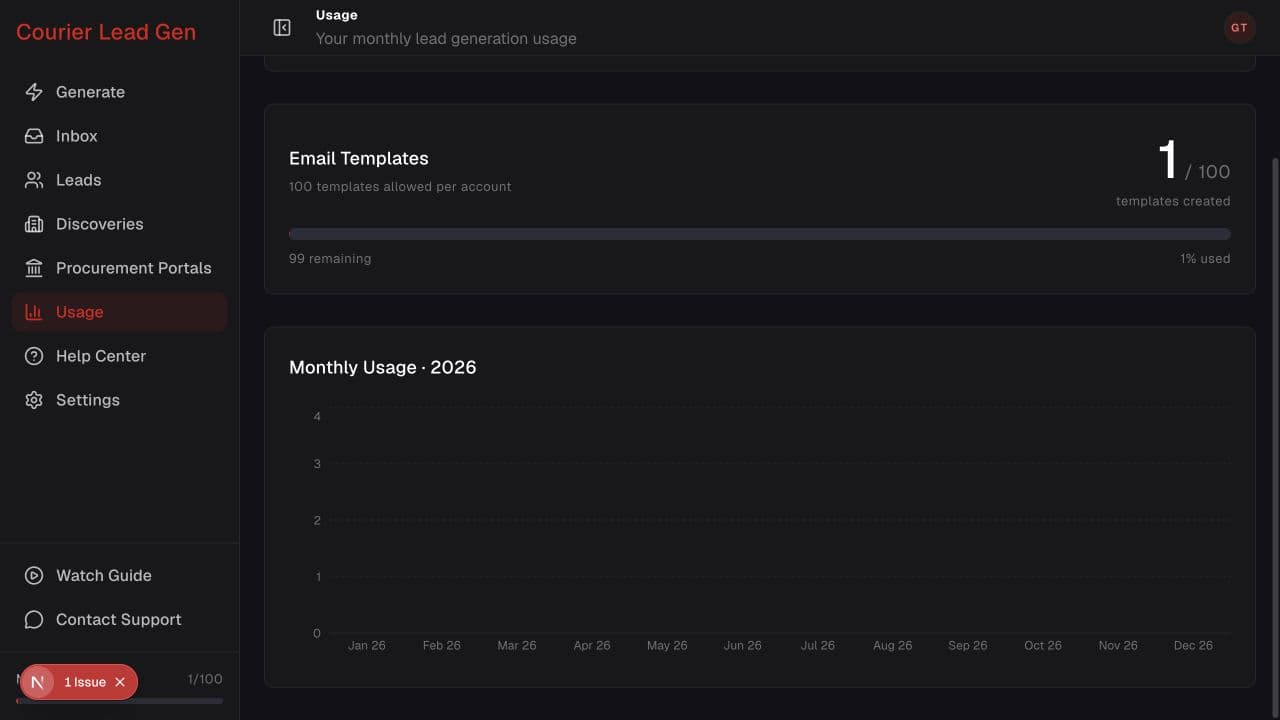
Step 3 of 3
Scroll to Monthly Usage to compare lead generation across the months of the current year.
Open the feature and follow the same steps in your account.
Open Usage