Sign in to your account
Open Courier Lead Gen and sign in. Any dashboard page will work.
Desktop help
Use these steps on a desktop or laptop computer.
The highlighted control is always in the dashboard’s top-right corner.
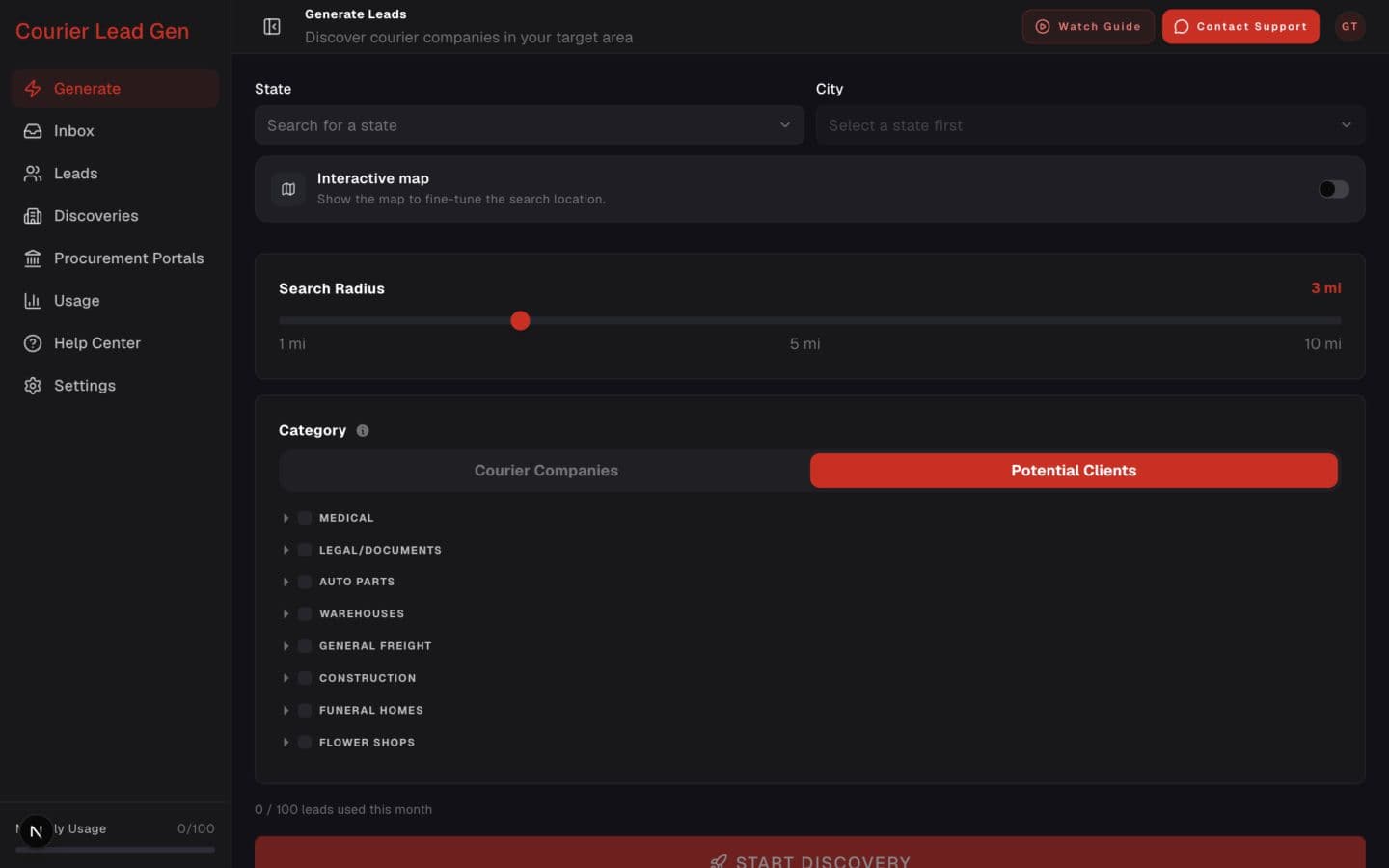
The Watch Guide button is beside Contact Support.
Open Courier Lead Gen and sign in. Any dashboard page will work.
Look at the top-right corner of the dashboard for the Watch Guide button.
Click Watch Guide. The video opens over the page, so you will not lose your place.
The guided video is available only to customers with dashboard access. Sign in, then use the highlighted Watch Guide control.
Sign in to Courier Lead Gen